|
|
|
|
|
sweTAK 0.6.3 är här – och allt vi levererade i 0.6.2
|
|
Looking for the English version? Scroll down...
|
|
|
|
|
Sedan vår första version, 0.6.1, har sweTAK fått två omgångar uppdateringar. Vi skrev aldrig något om 0.6.2, så det här brevet täcker båda: vad som har ändrats och varför det spelar roll i fält. Både iOS- och Android-appen ligger nu på 0.6.3, och de två plattformarna ligger närmare varandra än någonsin.
|
Det viktigaste: METHANE är nu en levande evakuering, inte ett meddelande
Tidigare var det en enkelriktad handling att skicka en METHANE-rapport. Du fyllde i den, du skickade den, och sedan var du tillbaka på radion för att ta reda på vad som hände. I 0.6.3 öppnar en METHANE-rapport ett levande evakueringsuppdrag som du och den samordnande operatören arbetar igenom tillsammans, inne i appen.
|
Du ser statusen ändras i samma stund som operatören accepterar eller avslår din begäran, och orsaken om en sådan anges. När operatören föreslår en mötesplats kan du bekräfta överlämningen eller föreslå en bättre plats direkt på kartan – och operatörens svar på ditt motförslag kommer tillbaka i samma vy. Varje steg loggas i en koordineringstråd, så att den som tar över enheten mitt i en insats direkt ser var saker står.
|
Praktiska detaljer vi har tagit hand om: ett pågående uppdrag överlever en omstart av appen med status och historik intakt, du får en notis när operatören svarar medan appen ligger i bakgrunden, och du kan avbryta ett uppdrag när som helst.
|
Resultatet är att samtalet om sjukvårdsevakuering sker där kartan finns, i stället för på tre kanaler samtidigt.
|
Du ser din samordnare på kartan
sweTIK-operatörens position visas nu på kartan i båda apparna, med en egen tydlig symbol. Att veta var ledningsfunktionen faktiskt befinner sig visar sig förändra hur man läser lägesbilden framför sig.
|
Buggfixning
Vi har täppt till en lucka i återkopplingen som funnits länge. Order, MIST- och MEDEVAC-rapporter, SITREP, INTREP, 7S och METHANE visar nu en kvittens när mottagaren faktiskt har tagit emot dem, med en tydlig banner i stället för tystnad. Att skicka något viktigt utan att veta om det kom fram är en obehaglig känsla, och den är till stor del borta.
|
Indirekt eld: korrigeringar som hamnar där du menade
Två separata fel gjorde korrigeringar för indirekt eldunderstöd opålitliga mellan plattformarna. Båda är rättade. Korrigeringar kastas inte längre om på vägen – ett nedslag som låg vänster och långt lästes i andra änden som höger och kort, i båda riktningarna mellan apparna och sweTIK. Dessutom hamnar nedslaget du markerar i korrigeringsdiagrammet nu på den kartposition du avsåg.
|
Eldflödet uppför sig också bättre. En rapport om ”mål förstört” stänger inte längre uppdraget med tvång när eldledaren vill ha ytterligare en omgång för säkerhets skull, så ”skjut igen” finns kvar tills eldledaren avslutar ordentligt. Händelser i arbetsflödet listas nyast först, och ett godkännande (Authorised) från samordnaren tas nu emot tillförlitligt.
|
Rutter som når fram till dem du skickade dem till
En rutt som delades med en grupp nådde tidigare ingen alls, helt tyst, medan enskilda utskick fungerade. Det är åtgärdat, och grupptillhörighet avgörs nu korrekt på mottagarsidan. Ruttlistan uppdateras också direkt när du visar, döljer eller tar bort en rutt, och en mottagen rutt som du har avböjt förblir avböjd i stället för att fråga igen.
|
En lugnare och mer korrekt karta
Arbetet med kompass och kurs hade en rad vassa kanter, och de är nu slipade. Kartans bäring, kompasspilen och kursvisningen stämmer överens med varandra och med rättvisande norr, kurspilen är inte längre 180 grader fel, och streck hanteras korrekt för dem som arbetar i streck.
|
Annat på kartan: att välja en koordinat fungerar nu likadant överallt – hårkors, sedan Bekräfta – i stället för att bete sig olika beroende på var du började. Förbandssymboler ritas som riktiga symboler i stället för platshållartext. Reglage hamnar inte längre under kamerahålet på telefoner som har ett. Och bekräftelserutorna efter utskick är borttagna; appen berättar vad som hände utan att du behöver klicka bort det.
|
Mindre saker värda att känna till
Att bifoga ett foto från biblioteket till en rapport fungerar tillförlitligt igen. Utgående förfrågningar sorteras nyast först. Att ansluta till en sambandsplan på nytt ersätter nu den delade nyckeln rent, i stället för att lämna kvar gamla nycklar. Och Android-appen riktar sig mot Android 16, vilket håller den i linje med Google Plays krav.
|
Så får du 0.6.3
Version 0.6.3 rullas nu ut till våra testgrupper via TestFlight för iOS och Google Plays testkanal för Android. Är du redan testare dyker den upp som en uppdatering inom kort. Vill du vara med, gå till vår webb på https://neriodefense.se och anmäl dig under menyn "Beta Tester".
|
|
|
|
Since our first release, 0.6.1, sweTAK has had two rounds of updates. We never wrote up 0.6.2, so this note covers both: what has changed, and why it matters in the field. Both the iOS and Android apps are now on 0.6.3, and the two platforms have been brought closer together than ever.
|
The biggest change: METHANE is now a live evacuation, not a message
Very much like the IFS (Indirect Fire Support) request. Until now, sending a METHANE report was a one-way act. You filled it in, you sent it, and then you were back to the radio to find out what was happening. In 0.6.3, a METHANE report opens a live evacuation mission that you and the coordinating operator work through together, inside the app.
|
You see the mission status change the moment the operator accepts or rejects your request, and the reason if one is given. When the operator proposes a rendezvous point, you can confirm the handover or counter with a better location picked straight off the map — and the operator's answer to your counter-proposal comes back into the same view. Every step is logged in a coordination thread so a person picking up the device mid-incident can see exactly where things stand.
|
Practical details we took care of:
An open mission survives an app restart with its status and history intact, you get a notification when the operator responds while the app is in the background, and you can cancel a mission at any point.
|
The result is that the casualty evacuation conversation happens where the map is, instead of across three channels at once.
|
You can see your coordinator on the map
The sweTIK operator's position now appears on the map in both apps, with its own distinct marker. Knowing where your coordination cell actually is turns out to change how people read the picture in front of them.
|
You know when your message landed
We closed a long-standing gap in feedback. Orders, MIST and MEDEVAC reports, SITREP, INTREP, 7S and METHANE now show an acknowledgement when the recipient has actually received them, with a clear banner rather than silence. Sending something important and not knowing whether it arrived is a bad feeling, and it is largely gone.
|
Fire support: corrections that land where you meant them
Two separate faults were making indirect fire support corrections unreliable between platforms, and both are fixed. Corrections are no longer reversed in transit — a round that fell left and long was being read at the far end as right and short, in both directions between the apps and sweTIK. Separately, the hit position you mark on the correction diagram now arrives at the map position you intended.
|
The fire mission flow is also better behaved. A "target destroyed" report no longer force-closes a mission when the observer wants another round to be sure, so "fire again" stays available until the observer closes it properly. Workflow events are listed newest-first, and an Authorised response from the coordinator is now reliably received.
|
Routes that reach the people you sent them to
A route shared with a group used to reach nobody at all, silently, while individual sends worked fine. That is fixed, and group membership is now resolved properly on the receiving side. The routes list also updates immediately when you show, hide or delete a route, and a received route you have declined stays declined instead of asking again.
|
A calmer, more accurate map
The compass and heading work had a number of sharp edges and they have been filed down. The map bearing, the compass arrow and the heading display now agree with each other and with true north, the heading arrow is no longer 180 degrees out, and mils are handled correctly for users who work in them.
|
Elsewhere on the map: picking a coordinate now works the same way everywhere — crosshair, then Confirm — instead of behaving differently depending on where you started. Unit icons render as proper symbols rather than placeholder text. Controls no longer sit under the camera cutout on phones that have one. And the confirmation pop-ups after sending were removed; the app tells you what happened without making you dismiss it.
|
Smaller things worth knowing
Attaching a photo from your library to a report works reliably re sorted newest-first. Re-onboarding onto a communication plannow cleanly replaces the shared key rather than leaving stale kd app targets Android 16, keeping it current with Google Play's requirements.
|
Getting 0.6.3
|
Version 0.6.3 is going out now to our test groups on TestFlight for iOStrack for Android. If you are already a tester, it will appear asan update shortly. If you would like to join, reply to this ema
|
|
|
|
|
|
sweTAK on the wrist: tactical awareness and soldier health, without the cloud
|
|
|
|
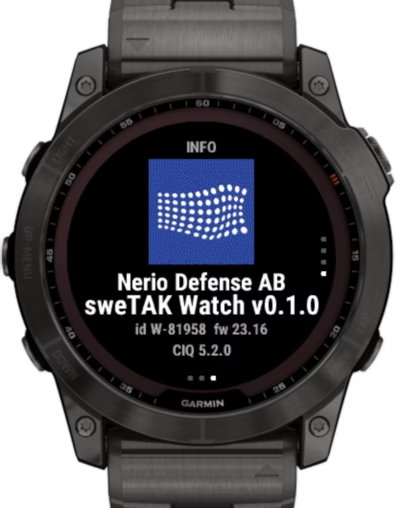
Nerio Defense is taking sweTAK from the phone to the wrist. A purpose-built sweTAK Watch application for Garmin puts heading, the unit's alerts, one-button signals and soldier readiness on the soldier's arm, with a direct link to the phone and no cloud, while Apple Health and Health Connect open the same picture to any wearable.
|
|
|
|
|
|
|
|
Measuring health state by light through skin
|
|
|
|
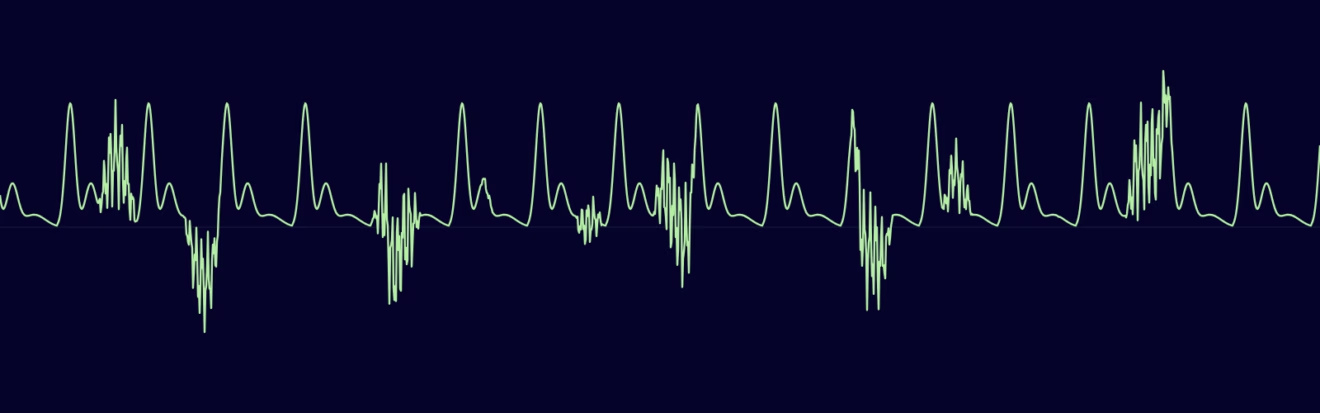
Your watch measures exactly one thing: how much light comes back out of your wrist. Everything else — heart rate, sleep, stress, recovery — is inference built on top. Drawing on 165 studies of soldier physiology, we look at what optical sensors genuinely reveal about stress and health, what they cannot, and why their errors all lean toward telling you that you are fine.
|
|
|
|
|
|
|
|
What soldiers told us: field-testing sweTAK alongside Signal and ATAK
|
|
|
|
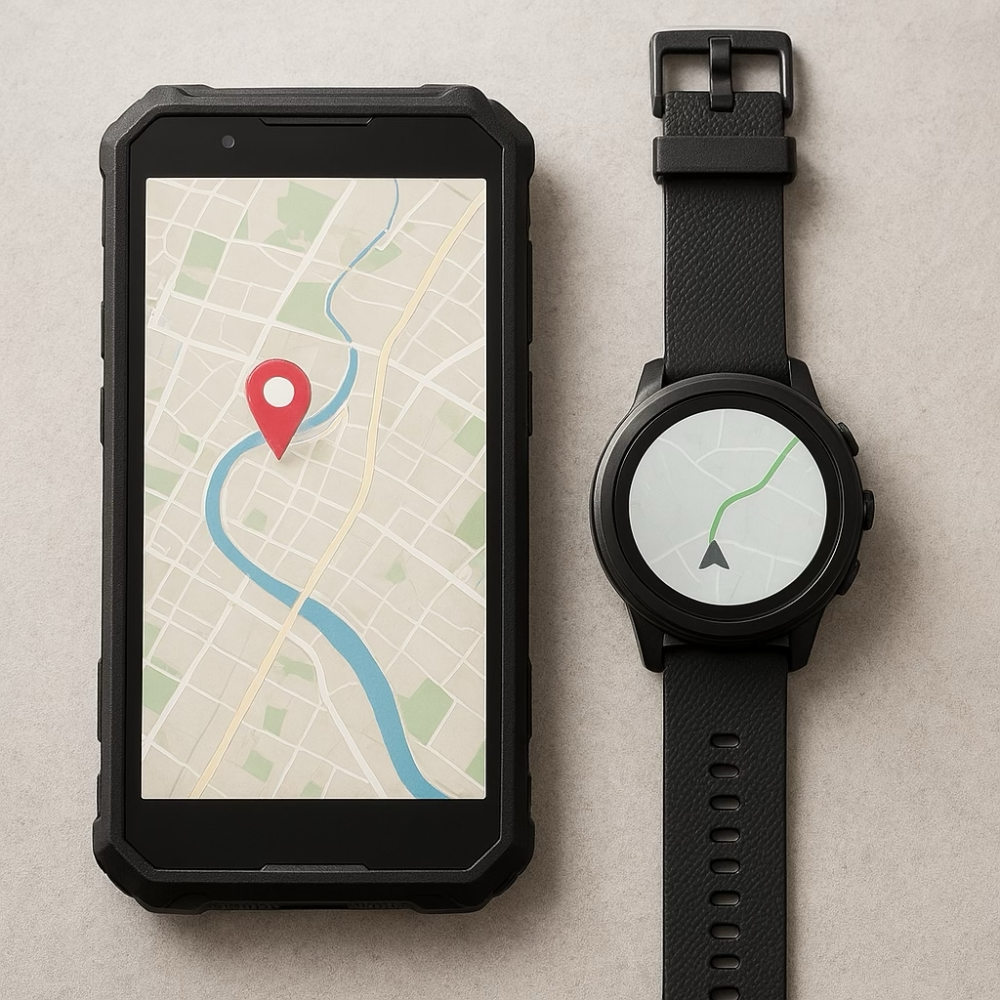
This spring, Nerio Defense joined a field test comparing Signal, ATAK and sweTAK under realistic conditions. Here's what 36 soldiers told us about each tool — why familiarity still wins, where sweTAK proved its purpose, what we need to fix, and the smartwatch ideas that emerged from the field.
|
|
|
|
|
|
|
|
|
|
|
|
|
|
|
|
|
|
|