|
|
|
|
|
sweTAK 0.7.4 har släppts
|
|
Looking for the English version? Scroll down...
|
|
|
|
|
Vad är väl GTA VI värt när det nu finns en ny version av sweTAK för test på både iPhone (TestFlight) och Android (Google Play). Den bygger vidare på 0.7.3 och har två tyngdpunkter: ett omfattande säkerhetslyft och hälsoperspektivet, där en smartklocka blir både sensor, display och reglage för sweTAK.
|
Och för att inte nämna det enorma arbete vi lagt ner på sweTIK, för att lyfta stabsversionen av ekosystemet vi utvecklar. Men det är ett annat testprojekt.
|
Säkerhet: skyddat på telefonen, i luften och i nätet
|
Vi har gått igenom hela kedjan, från det som ligger lagrat i telefonen till varje meddelande som skickas. Det här är nytt i 0.7.4:
|
- All operativ information (inställningar, kartnålar, meddelanden, foton och sambandsplanen) lagras nu krypterad på telefonen. Den flyttas över automatiskt när du uppdaterar.
- Lösenord och nycklar ligger i telefonens säkra nyckelförvaring (Keychain på iPhone, Keystore på Android), aldrig som vanliga inställningar.
- Nytt under Settings › Security: Wipe this device (rensa enheten). Den raderar all operativ data på telefonen (du bekräftar genom att skriva WIPE).
- Foton sparas inte längre i telefonens fotobibliotek om du inte själv slår på det.
- På Android kan lägesbilden inte längre skärmdumpas eller spelas in. I appväxlaren visas bara logotypen, aldrig kartan.
- Ett meddelande som inte kan krypteras skickas inte alls. Det finns ingen reserv med okrypterad trafik.
- När en nyckel är konfigurerad tas okrypterade meddelanden emot inte längre, inte heller över LoRa.
- Meddelanden mellan två enheter visar nu kryptografiskt vem som skickat dem.
- Ett uppfångat meddelande som spelas upp igen avvisas.
- Bara den som tagit emot en order eller rapport kan kvittera den, och bara den som satte ut en kartnål kan radera den för alla.
- Funktionen "Sync Now", som skickade alla kartnålar och formulär till alla, är borttagen. Mottagare väljs alltid.
- Appen kontrollerar serverns certifikat och accepterar bara vår egen server. På Android används alltid krypterad anslutning (TLS).
- Kopplingen mellan telefon och klocka tar bara emot förseglade meddelanden när de väl är parade.
Hälsa: klockan blir en del av sweTAK
Med 0.7.4 blir den egna hälsan en del av lägesbilden. Sidan My health (Min hälsa, hjärtat uppe till vänster) visar läget just nu, i dag och de senaste sju dagarna.
|
Garmin-klocka: sensor, display och reglage
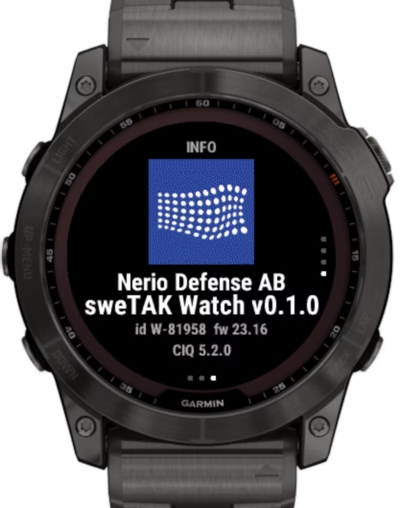
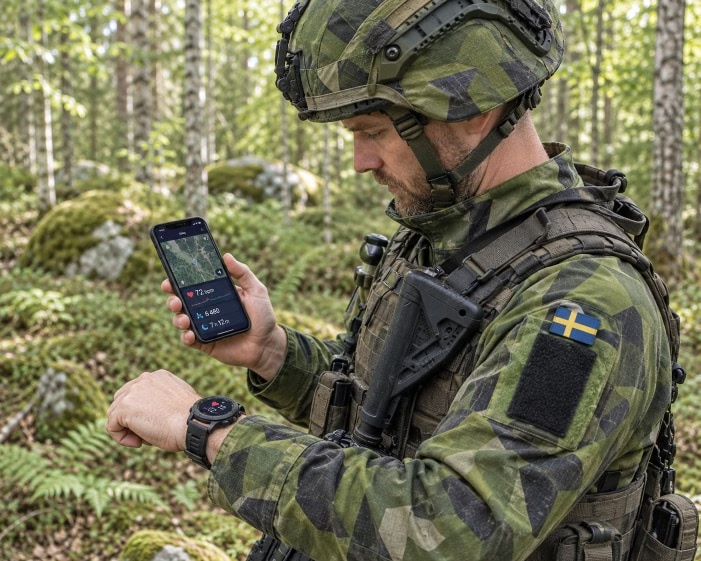
Med en Garmin Fenix 7X eller Tactix 7 och sweTAK-klockappen får du tre saker i en:
|
- Hälsosensor. Klockan mäter bland annat puls, vilopuls, pulsvariabilitet (HRV), syremättnad, Body Battery och stress och skickar dem direkt till telefonen.
- Display för notiser. Larm från sweTAK visas på klockan. Nu ingår även början av beskrivningen, så du ser vad det gäller utan att ta fram telefonen.
- Reglage. Startknappen på klockan styr sweTAK: ett tryck skickar din position, två tryck larm (nöd), tre tryck kontakt med fienden. Knapparna fungerar med handskar.
|
Klockan pratar med telefonen direkt över Bluetooth. Inga data går via Garmin Connect eller något moln. Garmin Connect behövs bara en gång, för att välja klockan och installera klockappen.
|
|
Apple Watch eller Wear OS: via telefonens hälsoapp
|
|
Har du redan en Apple Watch eller en Wear OS-klocka, till exempel en Samsung Galaxy Watch? Om klockan delar hälsodata med Apple Hälsa på iPhone eller med Health Connect på Android kan sweTAK läsa den därifrån: puls, vilopuls, HRV, syremättnad, steg, våningar och energi. Du väljer själv källa och godkänner vad sweTAK får läsa.
|
Du kan byta mellan Garmin och Apple Hälsa eller Health Connect utan att tappa något. Sjudagarshistoriken finns kvar, och varje värde visar vilken källa det kommer från. Hälsodata stannar på telefonen.
|
Övriga nyheter
- Kartlägen. Blå knapp = Körläge (kartan vrids efter din färdriktning), grön = Kompass (kartan vrids efter din riktning). När du flyttar kartan slutar den följa dig, och mittknappen tar dig tillbaka. Följningen är mjukare i hög fart, och skärmen hålls tänd i Körläge.
- Verktyg › Rutter och Verktyg › Områden. Skapa, lista och skicka rutter och områden (cirkel eller polygon) från ett ställe, samma upplägg som i ledningsstödet sweTIK.
- Kartnålar. Ett tryck på en kartnål öppnar bara dess meny. Ett långt tryck på tom karta öppnar menyn för att sätta ut en nål.
- METHANE. Mötesplatsen ritas med APP-6-symbolen för uppsamlingsplats. Visa på kartan markerar den med ett rött hårkors.
- Kontakter. Kontaktboken och mottagarlistorna visar bara enheter som hörts av de senaste 30 minuterna.
- iPhone. Kartan startar med ungefär 20 km runt din position, och logotypen ligger still från start till app.
- Manualen under kugghjulet är uppdaterad med kartlägena, kontaktregeln och HRV.
På väg
|
Nästa steg är registrering av enheter med ett eget certifikat per telefon, utfärdat av sweTIK. Grunden finns redan i koden men är avstängd i testversionerna tills den är klar.
|
Så uppdaterar du
- iPhone: öppna TestFlight och uppdatera sweTAK. Android: öppna Google Play och uppdatera sweTAK.
- Installera ovanpå den gamla versionen, avinstallera inte. Dina data flyttas till krypterad lagring vid första start.
- Kontrollera under Kugghjulet › Om att versionen är 0.7.4.
- Uppdatera alla telefoner i gruppen samtidigt.
Har du hittat något som inte ser rätt ut? Använd Feature or Bug under kugghjulet. Ange vilka telefoner det gäller och vilket sambandssätt du använde. På Android är skärmdumpar spärrade, så fotografera skärmen med en annan telefon.
|
Med vänligaste hälsningar
Nerio Defense Development Team
|
|
|
sweTAK 0.7.4 is out for testing: more secure, with health in the picture
|
Version 0.7.4 of sweTAK is now available for testing on both iPhone (TestFlight) and Android (Google Play). It builds on 0.7.3 and focuses on two things: a broad security upgrade, and health awareness, where a smartwatch becomes a sensor, a display and a control for sweTAK.
|
Security: protected on the phone, over the air and on the network
|
We have gone through the whole chain, from what is stored on the phone to every message that is sent. New in 0.7.4:
|
- All operational data (settings, pins, messages, photos and the comms plan) is now stored encrypted on the phone. It moves over automatically when you update.
- Passwords and keys live in the phone's secure key storage (Keychain on iPhone, Keystore on Android), never as plain settings.
- New under Settings › Security: Wipe this device. It deletes all operational data on the phone (you confirm by typing WIPE).
- Photos are no longer saved to the phone's photo library unless you turn that on.
- On Android the tactical picture can no longer be captured in a screenshot or screen recording. The app switcher shows only the logo, never the map.
- A message that cannot be encrypted is not sent at all. There is no fallback to unencrypted traffic.
- Once a key is configured, unencrypted messages are no longer accepted, including over LoRa.
- Messages between two devices now prove cryptographically who sent them.
- A captured message that is played back again is rejected.
- Only a recipient of an order or report can acknowledge it, and only the person who placed a pin can delete it for everyone.
- "Sync Now", which sent every pin and form to everyone, has been removed. You always choose the recipients.
- The app checks the server's certificate and accepts only our own server. On Android the connection is always encrypted (TLS).
- Once paired, the link between phone and watch accepts only sealed messages.
Health: the watch becomes part of sweTAK
|
With 0.7.4 your own health becomes part of the tactical picture. The My health page (the heart, top left) shows now, today and the last seven days.
|
|
Garmin watch: sensor, display and control
|
With a Garmin Fenix 7X or Tactix 7 and the sweTAK watch app you get three things in one:
|
- Health sensor. The watch measures heart rate, resting heart rate, heart rate variability (HRV), blood oxygen (SpO2), Body Battery and stress, among others, and sends them straight to the phone.
- Notification display. sweTAK alerts appear on the watch. They now include the start of the description, so you can see what it is about without taking out the phone.
- Control. The watch's Start button operates sweTAK: one tap sends your position, two taps a distress signal, three taps contact with the enemy. The buttons work with gloves on.
|
The watch talks to the phone directly over Bluetooth. No data goes through Garmin Connect or any cloud. Garmin Connect is needed only once, to choose the watch and install the watch app.
|
|
Apple Watch or Wear OS: through the phone's health app
|
|
Already wearing an Apple Watch or a Wear OS watch such as a Samsung Galaxy Watch? If your watch shares health data with Apple Health on the iPhone, or with Health Connect on Android, sweTAK can read it from there: heart rate, resting heart rate, HRV, blood oxygen, steps, floors and energy. You choose the source and approve what sweTAK may read.
|
|
You can switch between Garmin and Apple Health or Health Connect without losing anything. The seven-day history stays, and each value shows which source it came from. Health data stays on the phone.
|
Also new
- Map modes. Blue button = Driving (the map turns with your direction of travel), green = Compass (the map turns with your heading). Panning the map stops following you, and the centre button brings you back. Following is smoother at speed, and the screen stays on in Driving mode.
- Tools › Routes and Tools › Areas. Create, list and send routes and areas (circle or polygon) from one place, organised the same way as in the sweTIK command and control system.
- Pins. A tap on a pin opens only its menu. A long press on empty map opens the menu for placing a pin.
- METHANE. The meeting point is drawn with the APP-6 Collection Point symbol. View on map marks it with a red crosshair.
- Contacts. The Contact Book and the recipient lists show only devices heard from in the last 30 minutes.
- iPhone. The map opens about 20 km around your position, and the logo stays still from launch screen to app.
- The manual under the cog is updated with the map modes, the contact rule and HRV.
Coming next
|
The next step is device enrollment, with a certificate of its own for each phone, issued by sweTIK. The groundwork is already in the code but stays switched off in the test builds until it is ready.
|
How to update
- iPhone: open TestFlight and update sweTAK. Android: open Google Play and update sweTAK.
- Install over the old version; do not uninstall. Your data moves into encrypted storage on first start.
- Check under Cog › About that the version reads 0.7.4.
- Update every phone in the team at the same time.
Found something that does not look right? Use Feature or Bug under the cog. Say which phones were involved and which transport you used. Screenshots are blocked on Android, so photograph the screen with another phone.
|
With our kindest regards
Nerio Defense Development Team
|
|
|
|
|
How Far Does Your Radio Shine? Detectability of Four Consumer Radio Sending Devices
|
|
|
|
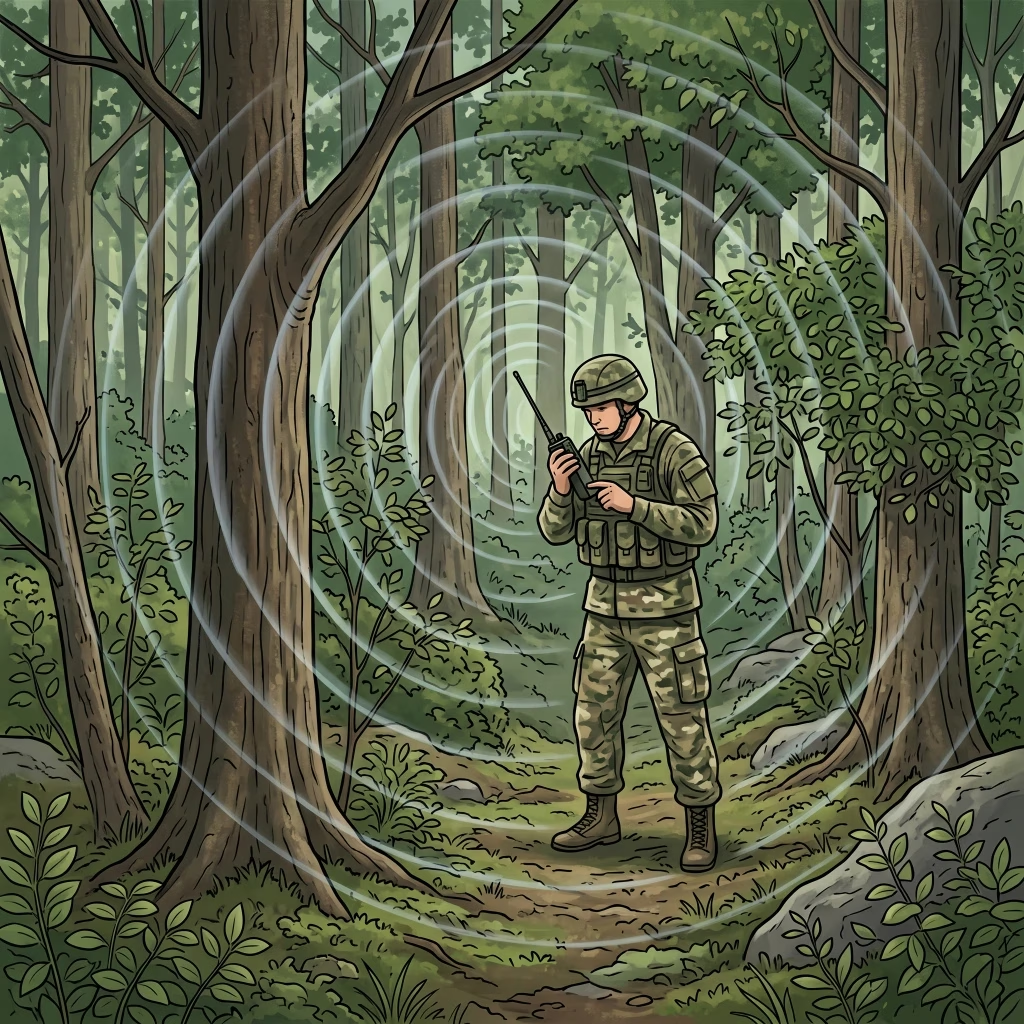
Is a smartwatch with Bluetooth really a risk in the field? We calculate how far four everyday radios can be detected: a smartwatch, a smartphone, a LoRa mesh node and a handheld UHF radio. From 100 m inside a forest, the watch is detectable at about 80 m and the handheld radio at about 11 km.
|
|
|
|
|
|
|
|
sweTAK on the wrist: tactical awareness and soldier health, without the cloud
|
|
|
|
Nerio Defense is taking sweTAK from the phone to the wrist. A purpose-built sweTAK Watch application for Garmin puts heading, the unit's alerts, one-button signals and soldier readiness on the soldier's arm, with a direct link to the phone and no cloud, while Apple Health and Health Connect open the same picture to any wearable.
|
|
|
|
|
|
|
|
Measuring health state by light through skin
|
|
|
|
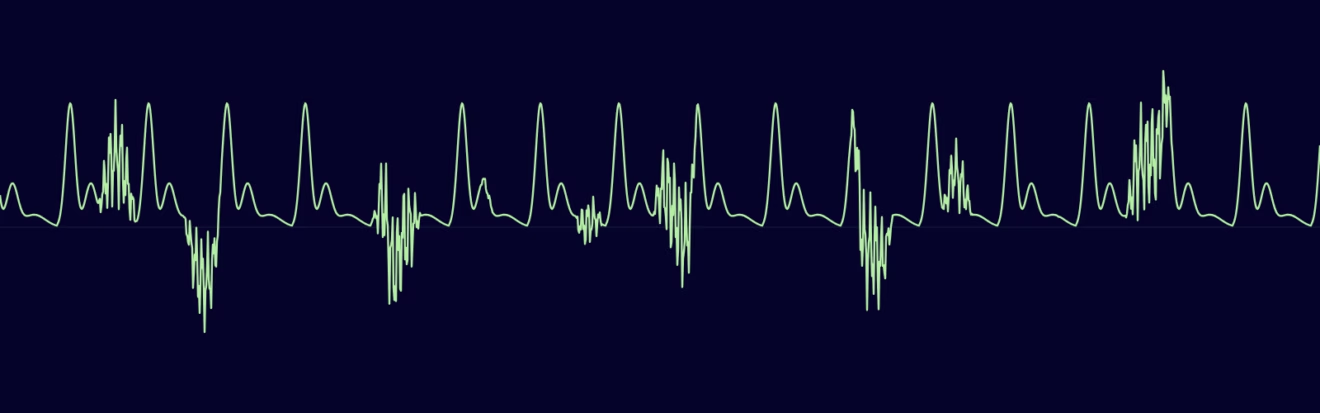
Your watch measures exactly one thing: how much light comes back out of your wrist. Everything else — heart rate, sleep, stress, recovery — is inference built on top. Drawing on 165 studies of soldier physiology, we look at what optical sensors genuinely reveal about stress and health, what they cannot, and why their errors all lean toward telling you that you are fine.
|
|
|
|
|
|
|
|
|
|
|
|
|
|
|
|
|
|
|
|
|